
Editing Secrets
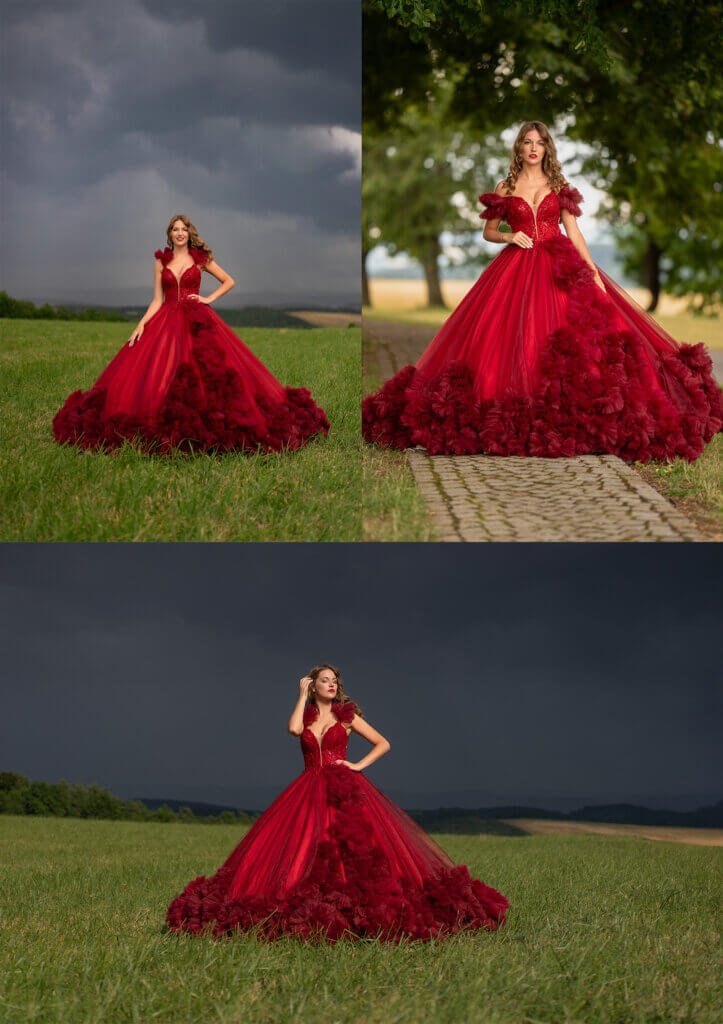
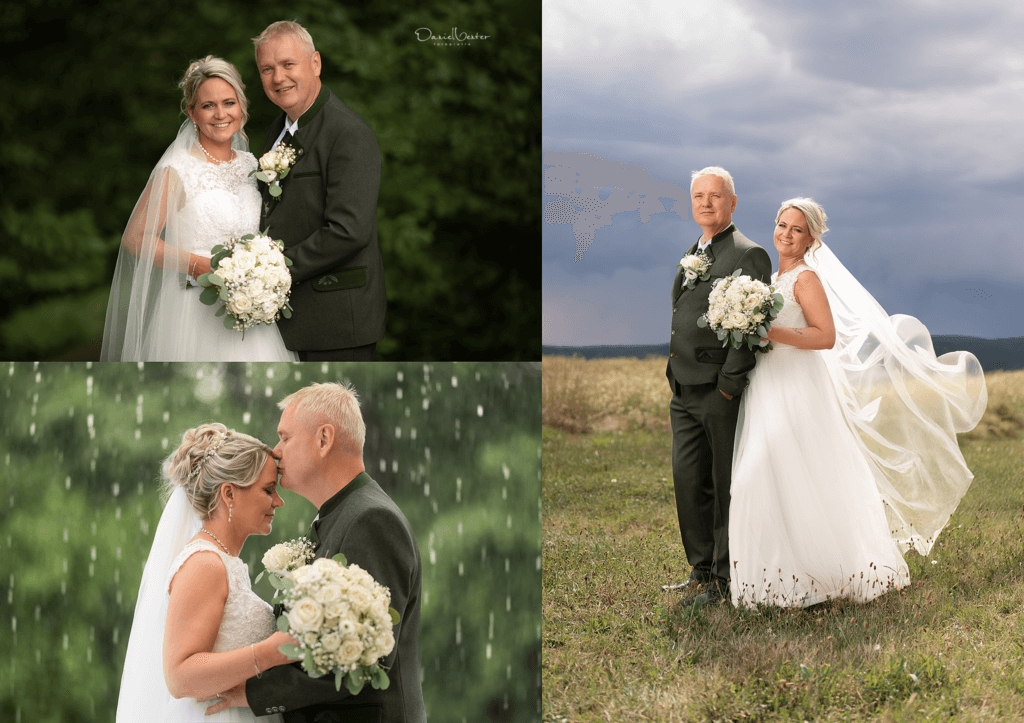
This is our first Photoshop Action created from the ground up. If you would love to create a realistic dreamlike glow to your images then this is the action you want to use. It’s totally customizable to your taste and the type of image you use it on!
In this video, I’ll be showing you how to install and use the action with ease!
“Dans Dream Glow Action” Purchase the Action Here or get it free as part of the membership Here
Join me on Facebook
158+ in-depth classes on light, colour, direction and composition — the exact process behind 13 years of paid client work.
Once you purchase the Dream Glow Action make sure you click on the “Download lesson file” tab below the video. The action is within the zip file that downloads to your computer! Make sure you unzip action to a location on your computer then, while Photoshop is open simply double click on the .atn file. You will notice that the action will then be loaded into your actions panel in Photoshop!
This Photoshop Action is written to work with all versions of Photoshop as far back as 2017.

This action is one small piece of the full editing style I teach inside the Creative Portrait System.

Lifetime Access
The complete light, colour, direction and composition system behind 13 years of paid client work. 158+ classes. 6,000+ photographers inside.
New
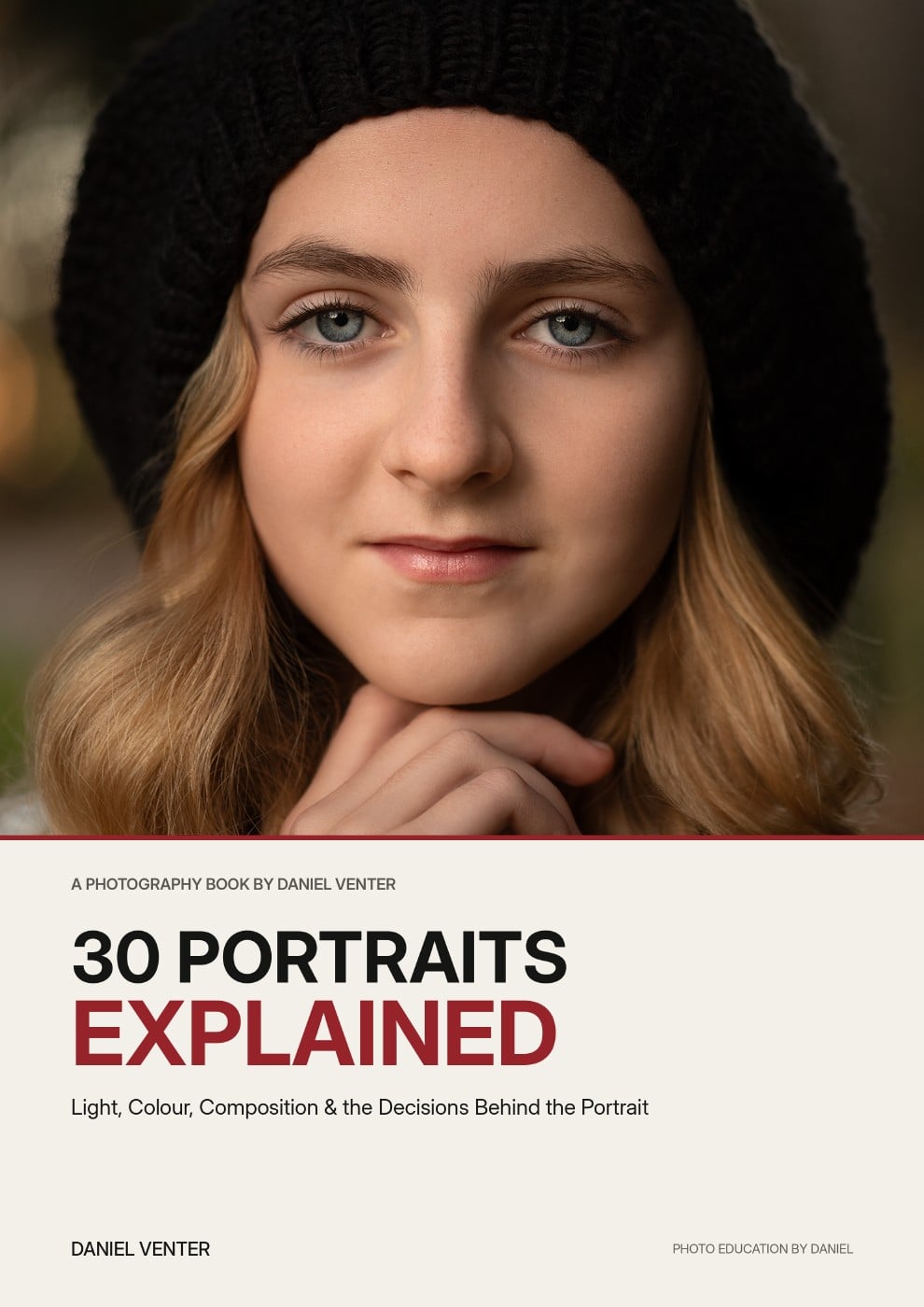
Thirty finished portraits. Thirty complete breakdowns of the light, colour, composition and decisions that shaped them.
Get the Ebook — $29
Free
Grab a free guide and preview the exact process taught inside the full system.
60 minutes, 1:1, on your actual portfolio — plus a written action plan.