
Changing a grey paper backdrop into any color with Photoshop

Editing Secrets

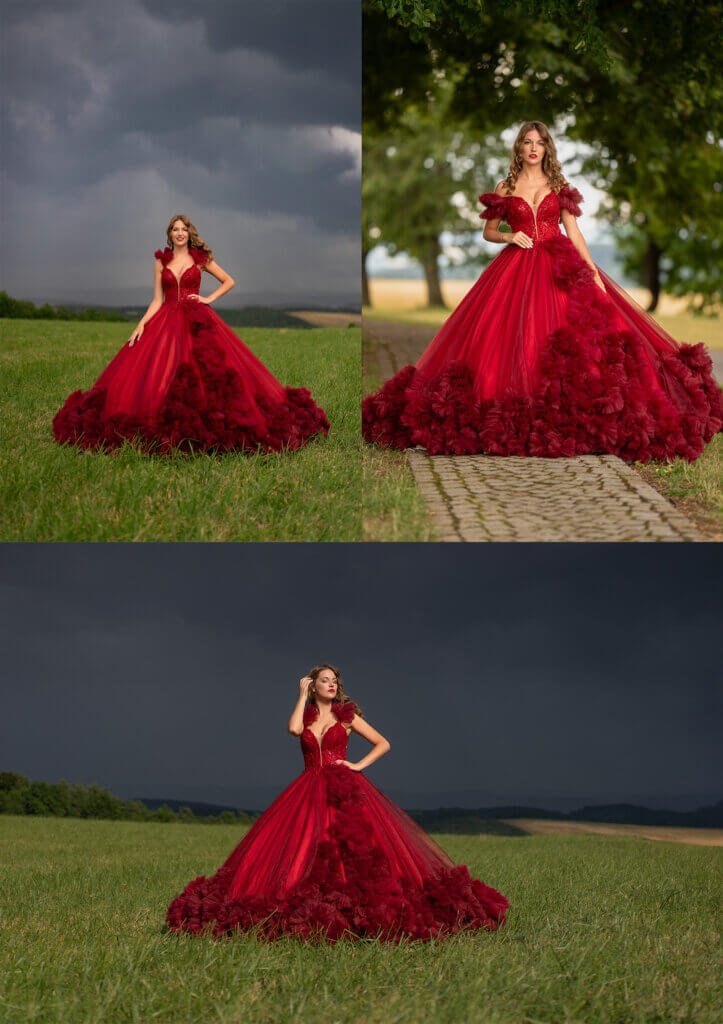
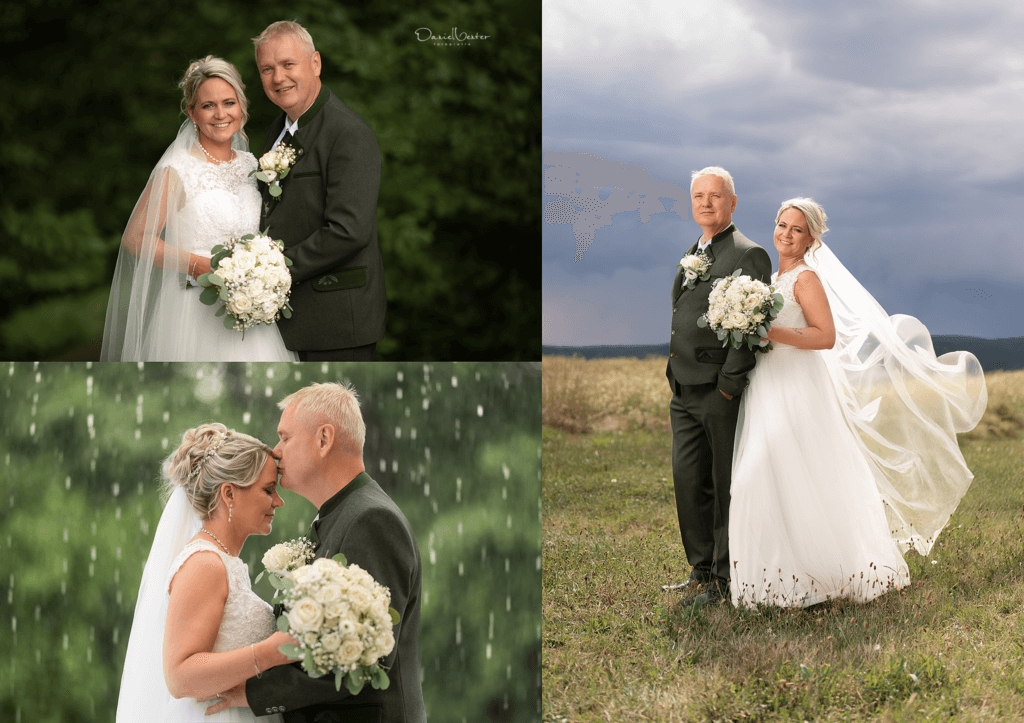
In this quick tip tutorial, I’ll show you how I easily change my grey Savage paper backdrop into any color of choice!

I’ve never had a lot of space in my studio to hang 101 rolls of different colored paper backdrops so I decided that it would be pretty convenient as well as cost-effective to shoot on a single color backdrop roll, grey, and simply change its color effortlessly in PS
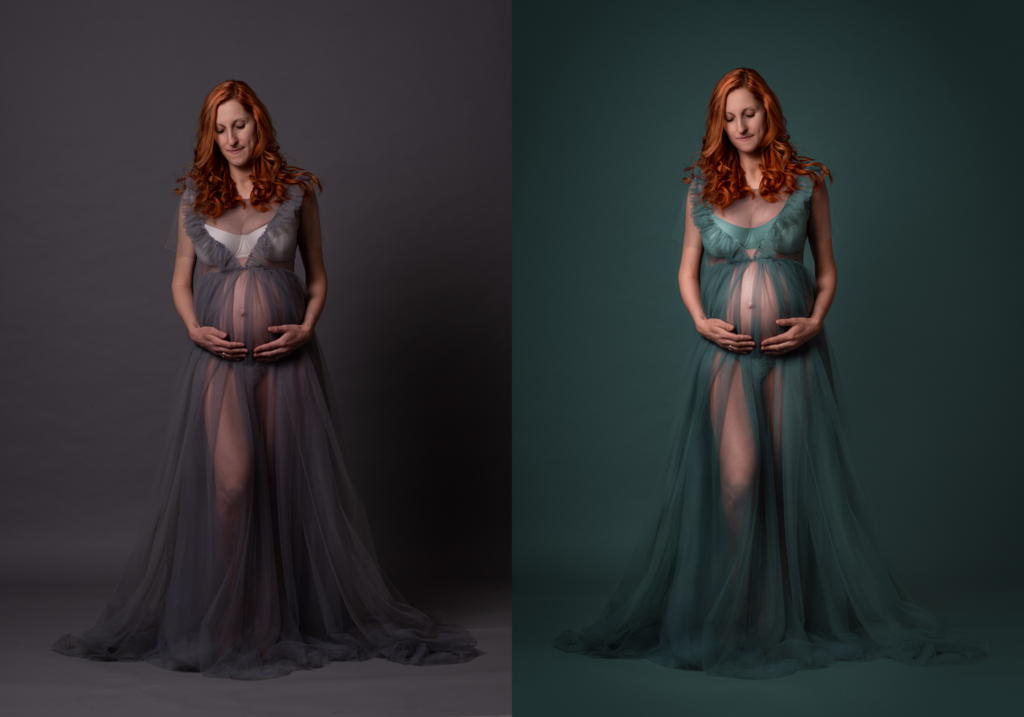
Changing paper backdrop color
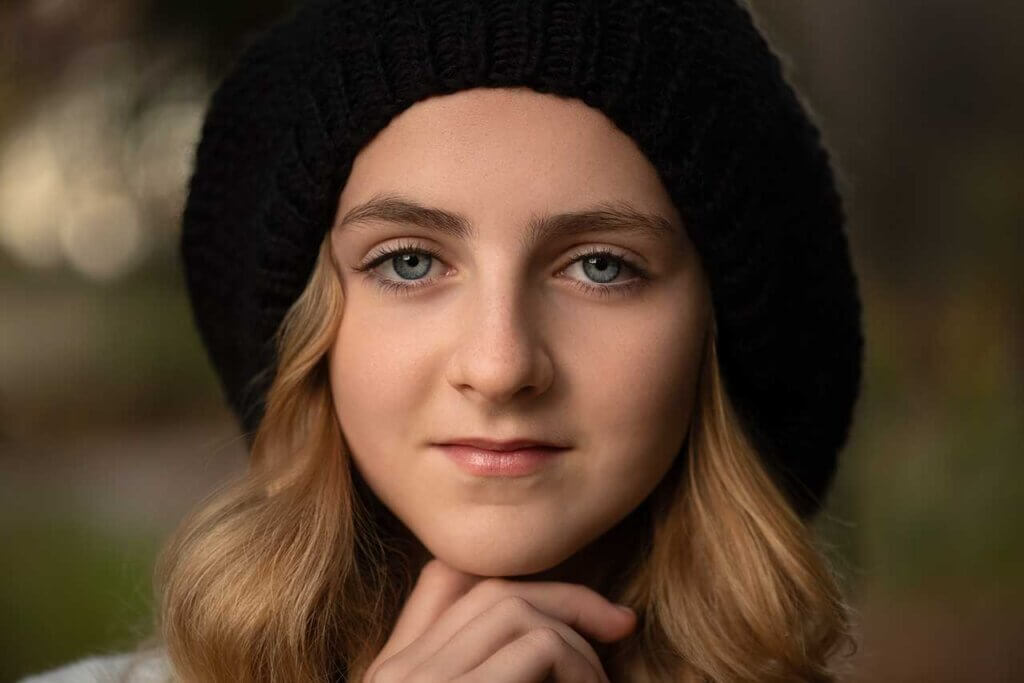
A sample of an advanced color change of the background and our mummies Dress see how HERE

Little edits like this add up — see the full editing and shooting process behind images like these inside the Creative Portrait System.
Keep Going

Ready for the Next Step?

Enjoyed This One?

Grab the free class that goes with it - straight to your inbox, no fluff.

This field is for validation purposes and should be left unchanged.
First name(Required)

Limited Time

Join the Creative Portrait System

158+ in-depth classes on light, colour, direction and composition, plus RAW files and new classes every month. 6,000+ photographers inside.

See the System
1:1 Mentoring

Get Eyes on Your Own Work

A 60-minute live session reviewing your portfolio, with a personalised written action plan to close the specific gaps holding your images back.

Book Your Session — $297
Previous Post
How to use my Dream Glow Photoshop Action
Next Post
HOW TO: MASKING IN LIGHTROOM CLASSIC 2022
You must be logged in to post a comment.
← Back to the blog

Lifetime Access

Creative Portrait System

The complete light, colour, direction and composition system behind 13 years of paid client work. 158+ classes. 6,000+ photographers inside.

  • New classes added every month
  • RAW files & Lightroom actions included
  • Structured roadmap, start to finish
See current price

Get Lifetime Access

Or start monthly from $29 · cancel anytime
Free

Not Ready to Join Yet?

Grab a free guide and preview the exact process taught inside the full system.

Get a Free Guide

Want Direct Feedback?

60 minutes, 1:1, on your actual portfolio — plus a written action plan.
Book a mentoring session →

More From The Blog