Editing Secrets
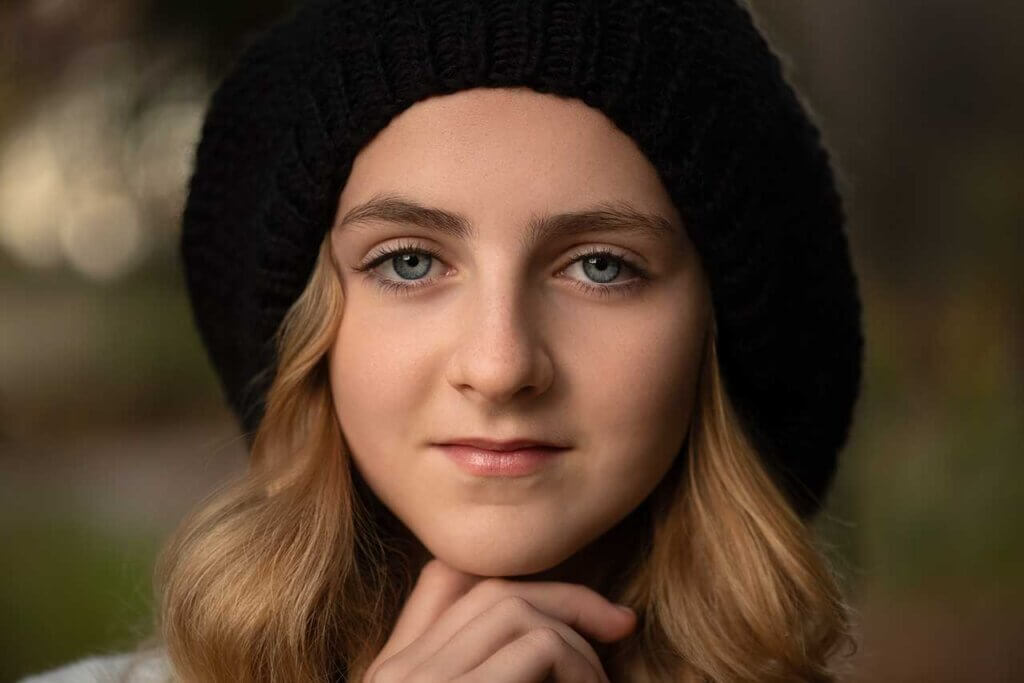
What? AI Skin Retouching in minutes? I wanted to share an amazing discovery I made recently that will truly help speed up skin retouching for everyone that shoots portraits! You will know that my go-to process for retouching skin is usually Frequency separation when I have subjects that have a lot of blemishes and skin imperfections. It’s largely a manual process that can be time-consuming if someone’s skin has lots of imperfections.
After creating my Frequency Separation Fundamentals tutorial, in which I edited a young boy’s acne, it got me thinking that there had to be a way to automate skin retouching and that’s exactly what Retouch4me AI Skin Retouching does!

While there are plenty of Skin editing solutions on the market, most of them have less than desirable results and often smooth out tonalities in skin overlooking skin issues like acne and spots. It’s also one of the reasons why most turn out looking a “fake” when applied!
We’re beginning to shift towards AI technology in many fields and in photography we’re seeing many AI advances in cameras and software to help us better capture and edit our work! I didn’t expect to see AI Skin Retouching develop so fast but thanks to the team at Retouch4me the ability to retouch skin in seconds is now a reality!
Check out this video where I demonstrate the Retouch4me plugins and what it could mean for your skin retouching requirements going forward! It will BLOW your mind! Get started with AI Skin Retouching in minutes!
158+ in-depth classes on light, colour, direction and composition — the exact process behind 13 years of paid client work.
If you’re interested in their plugins be sure to head on over to https://retouch4.me/
Sign up to the membership Today and Get instant access to all of my tutorials that cover ever step of my shoot and edit process! Check out my growing collection of tutorials HERE
Editing techniques like this are one part of the complete shooting-to-edit process I teach inside the Creative Portrait System.
Lifetime Access
The complete light, colour, direction and composition system behind 13 years of paid client work. 158+ classes. 6,000+ photographers inside.
New
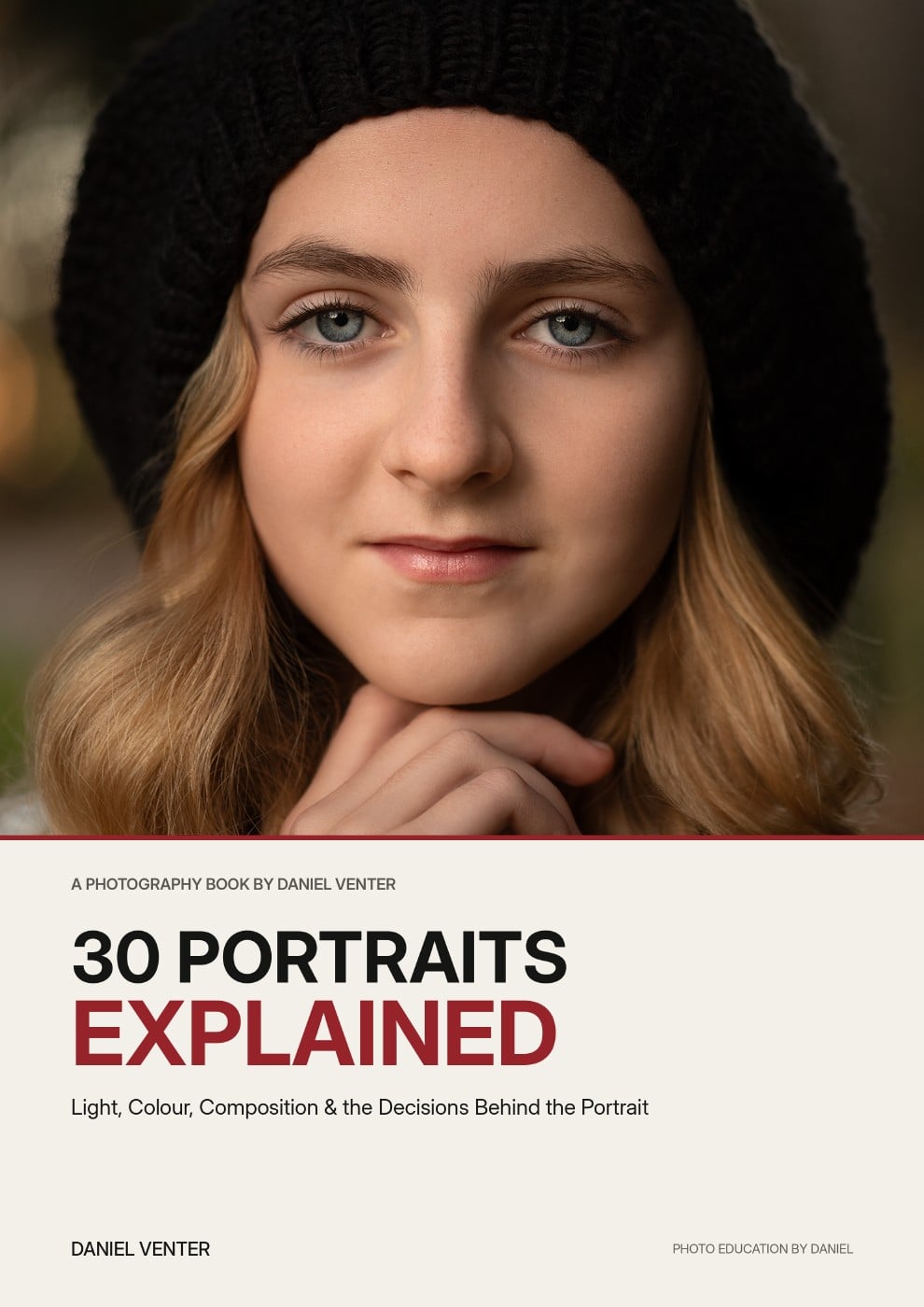
Thirty finished portraits. Thirty complete breakdowns of the light, colour, composition and decisions that shaped them.
Get the Ebook — $29
Free
Grab a free guide and preview the exact process taught inside the full system.
60 minutes, 1:1, on your actual portfolio — plus a written action plan.