Includes actions + Raw File
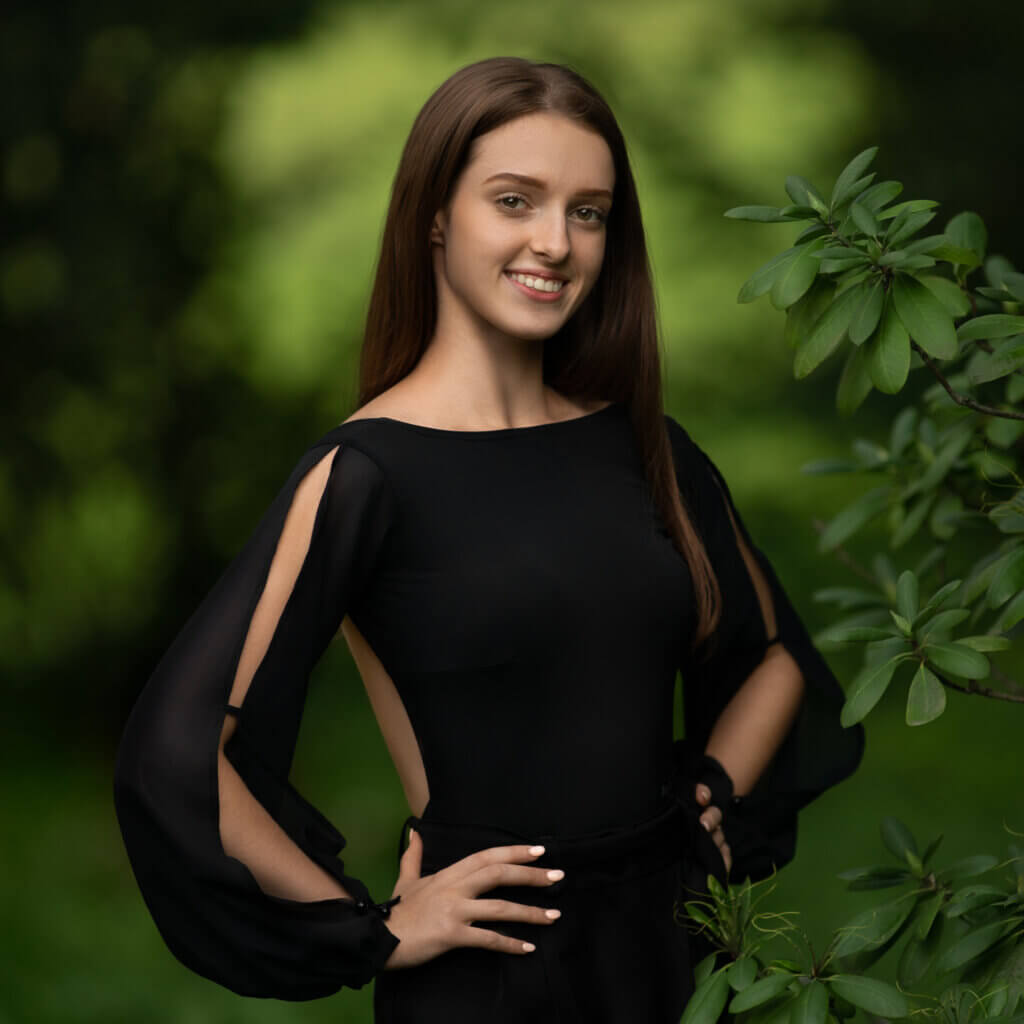
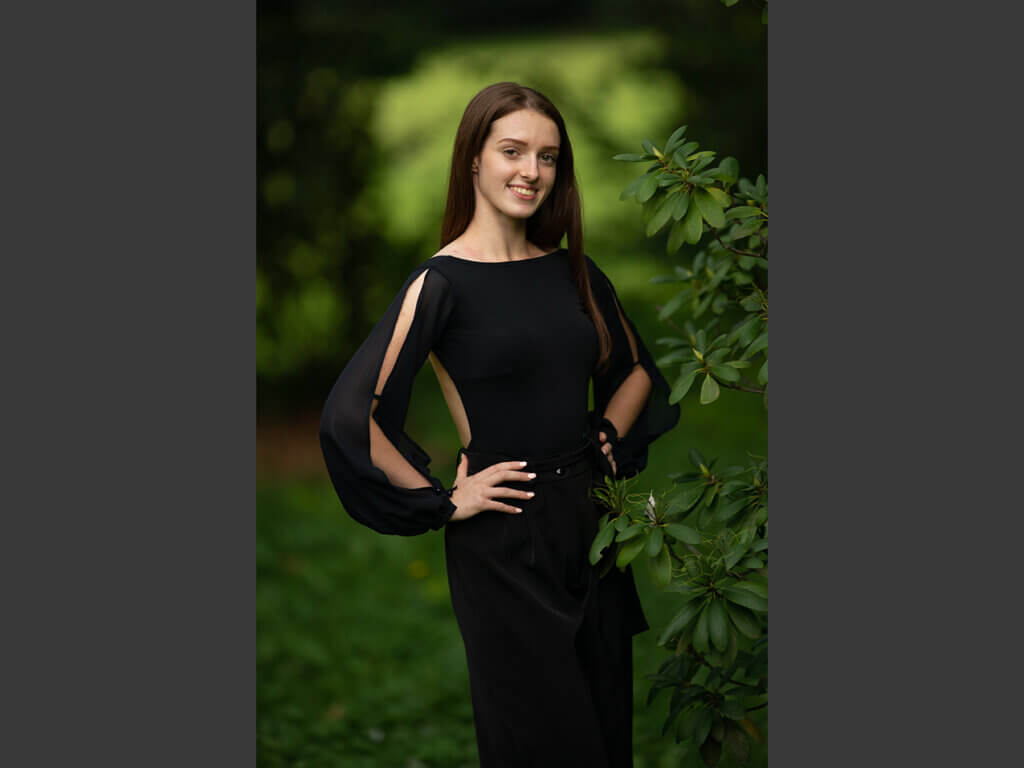
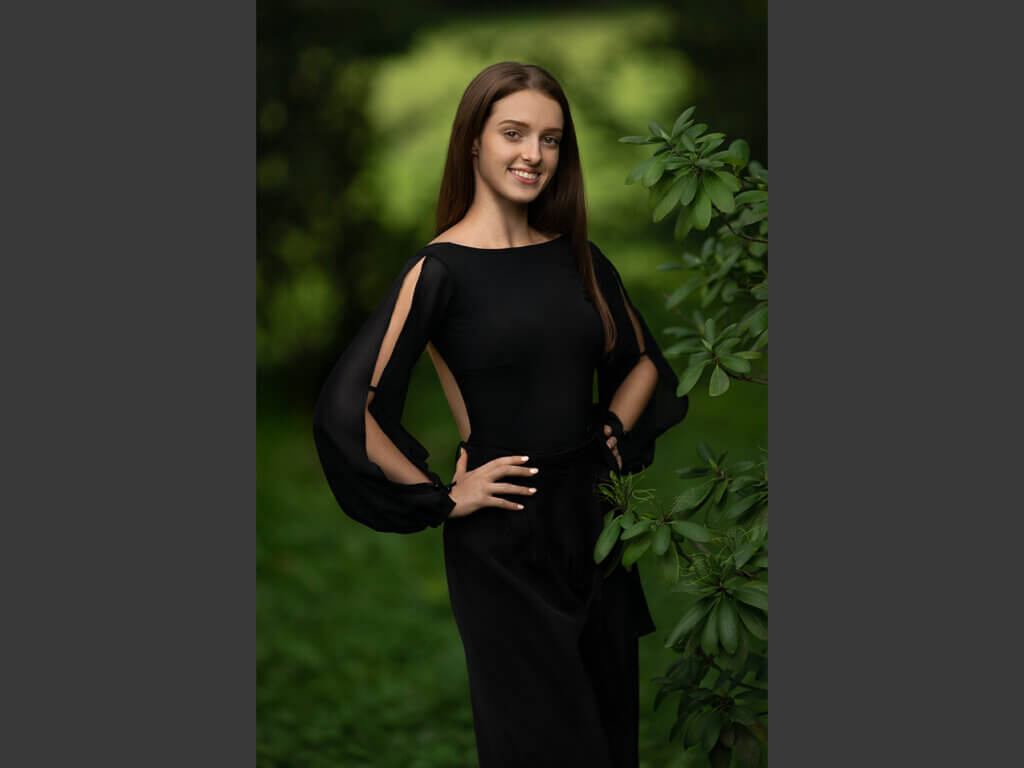
- In this senior enspired shoot you’ll learn how I found fabulous natural light
- Learn about the gear used, settings and alternative gear options
- Understand how I determine the optimal shutterspeeds and why
- We’ll explore the location via googles maps so you can get multiple views of the location and understand how I enterpreted the light
- I’ll show you how much impact a background has on how well your subject stands out from a background
- So with the above in mind we’ll look at compositional values, and much more
- Analyze the macro details of the image and how to change them in Photoshop
- Fix skin blemishes and tonalities
- Repair hair
- Isolate and change specific colors

Ann Harrison –
Another great tutorial Daniel!
Mary Satterlee Wilson –
I love the breakdown on lighting & location and why you chose where you did, where the light was coming from, etc. That helps so much!!
Mary Satterlee Wilson –
Awesome tutorial!!!
Bert Bosch –
Thank you it is good to learn this way
Courtney Lagrange –
Awesome!!! Thank you for sharing so much information!
Theus Badenhorst –
Thank you Daniel, this was really great. I love how subtle the adjustments are. Well done!
Erin Gadbois –
Fantastic. Thank you so much for this.
Fiona Beadle –
Great tutorial, thank you for sharing your techniques
Niada Cradle –
Thank you, very helpful.
Heather B Miller –
Brilliantly done!
Jeff Carson –
His attention to detail is second to none
Melissa Jolivette –
After becoming a member this was my first tutorial. Using your exact image to follow along is definitely a plus. Your techniques makes it easy to follow along 🙂