
The Power of Masks in Lightroom
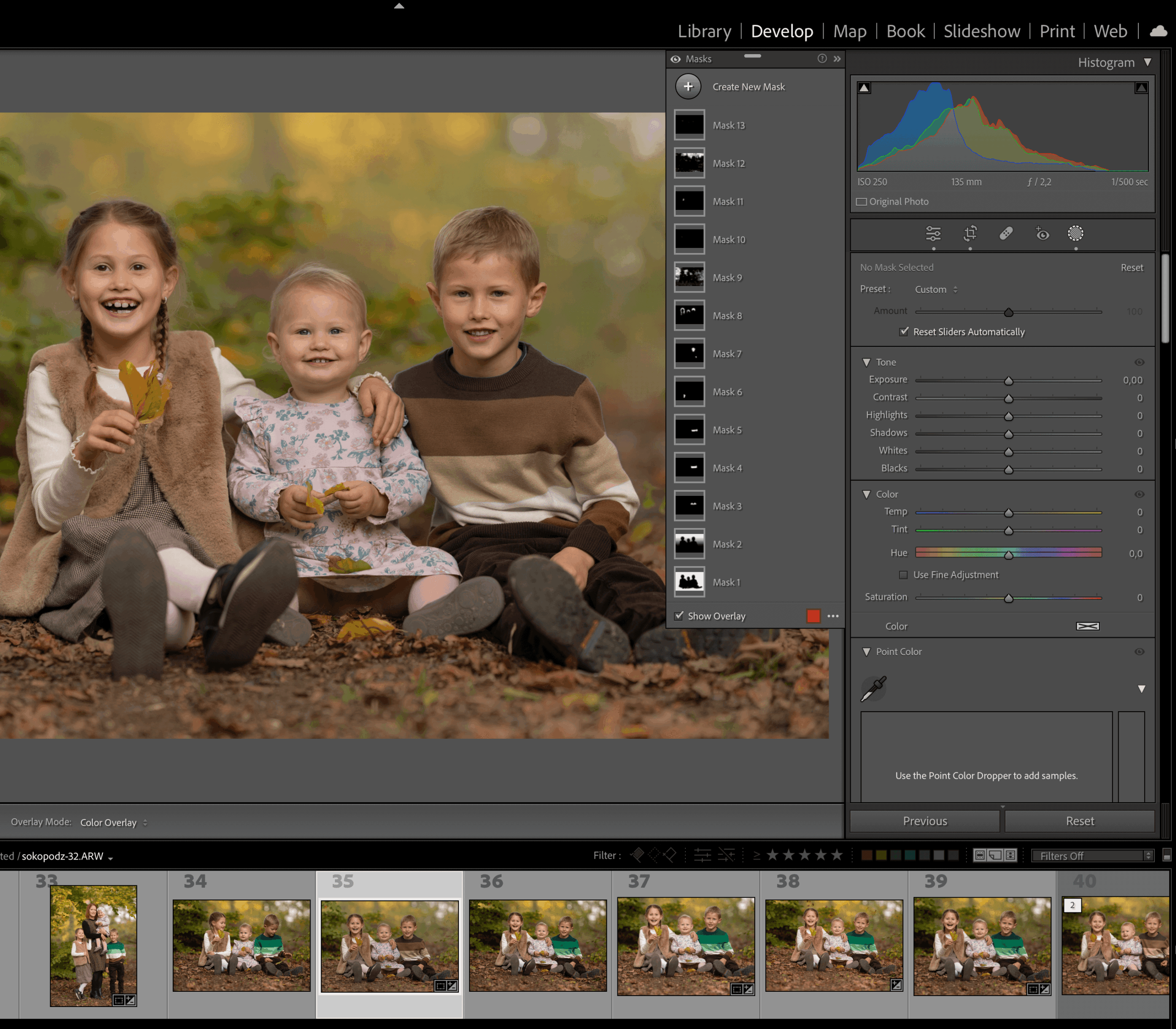
In this tutorial, we’ll discover the incredible power of the masking features inside Lightroom Classic to edit a client portrait. Making instant background selections and…
Class Duration
46 min
Skill Level
All
Inside This Class
In this tutorial, we’ll discover the incredible power of the masking features inside Lightroom Classic to edit a client portrait.
- Making instant background selections and controlling specific elements with the “intersect” functions
- How I use masks to create that soft glow
- Understand Adaptive Presets Powered by AI technology and how the Adaptive Portrait presets work in our workflow
- Create masks that intelligently detect objects so we can make color changes effectively
Flexible Access
Watch This Class Your Way
Choose the option that suits you best and start learning right away.
- Instant access to this class
- Lifetime access with individual purchase
- Upgrade to membership anytime
- Full class library included with membership
Membership Access
From
$29/month
Access the full class library and every new class added
Unlock All Classes
5 reviews for The Power of Masks in Lightroom
You must be logged in to post a review.
Clifton Yaney –
The Intersecting Masks is LR are huge! The Portrait Presets are nice, too, and as Daniel explains, are settings you’re locked into; you can (should) should use them as a starting point and fine-tune as needed.
Another great tutorial! Thanks!
Chad Kotter –
I’ve been using these masks for awhile now, and find they are a great starting point, but still often need to be fine tuned often for selection, especially when doing batch edits to apply to a session. I haven’t really utilized the intersecting of different masks, as I didn’t quite understand it, but appreciate Daniel’s examples here and in other videos. I look forward to further improvements within LR as these tools get better!
Jamie Blackburn –
You’re amazing and I am learning so much with your courses! Thank you!
abisekh17 –
Its really awesome.
Tricia Wyatt –
I learned so much! This will save so much time! My photos are looking better already 🙂