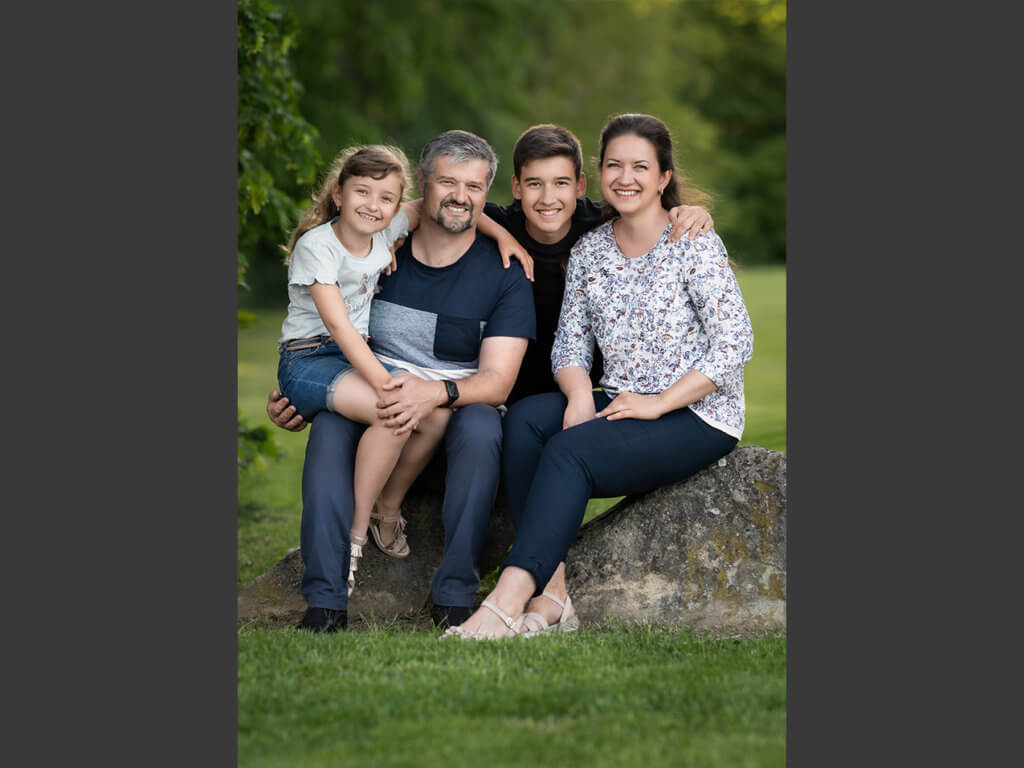
Raw Image File Included! Understanding the bidirectional light in the scene without using strobes or reflectors! Just pure beautiful natural light! See the location behind…
This was great for fixing skin tones and overall tones. I was able to pause and continue the video while editing my own image to follow the steps.
Rated 5 out of 5
Heather Kazmierczak –
This was such a detailed tutorial! I learned many knew things and I’m grateful for that! What a great teacher you are!
Rated 5 out of 5
Christine Chadwick (verified owner)–
Very helpful!
Rated 5 out of 5
alsparkman5 –
Marvelous…..Love watching you work…..
Rated 5 out of 5
alsparkman5 –
Another great tutorial……
Rated 5 out of 5
Andrea Ditta –
great!
Rated 5 out of 5
Clifton Yaney –
Another top-notch presentation. As before, the walk-thru of the scene, arranging the subjects to optimize lighting and talking the viewer through your thinking and decision-making add great value to this lesson.
Question: With the great detail and precision you place on perfect colors, are you proving digitals or prints to your customers? If digitals, their results may not live up to the quality you put in. If prints, do you use Soft Proofing in LR or PS? Thanks!
Daniel Venter –
Hello Clifton! Thank you so much! Yes I offer both prints and digital to clients. I don’t use soft proofing in either as printing services are pretty good with sRGB files these days.
Rated 5 out of 5
terry Bell –
I was a natural light photographer but wanted to use a strobe. I wish I had found this tutorial and your education in general, I would have looked at and for natural light photography differently. I do now though so I am going to start using your suggestions.



firefly090 –
This was great for fixing skin tones and overall tones. I was able to pause and continue the video while editing my own image to follow the steps.
Heather Kazmierczak –
This was such a detailed tutorial! I learned many knew things and I’m grateful for that! What a great teacher you are!
Christine Chadwick (verified owner) –
Very helpful!
alsparkman5 –
Marvelous…..Love watching you work…..
alsparkman5 –
Another great tutorial……
Andrea Ditta –
great!
Clifton Yaney –
Another top-notch presentation. As before, the walk-thru of the scene, arranging the subjects to optimize lighting and talking the viewer through your thinking and decision-making add great value to this lesson.
Question: With the great detail and precision you place on perfect colors, are you proving digitals or prints to your customers? If digitals, their results may not live up to the quality you put in. If prints, do you use Soft Proofing in LR or PS? Thanks!
Daniel Venter –
Hello Clifton! Thank you so much! Yes I offer both prints and digital to clients. I don’t use soft proofing in either as printing services are pretty good with sRGB files these days.
terry Bell –
I was a natural light photographer but wanted to use a strobe. I wish I had found this tutorial and your education in general, I would have looked at and for natural light photography differently. I do now though so I am going to start using your suggestions.