
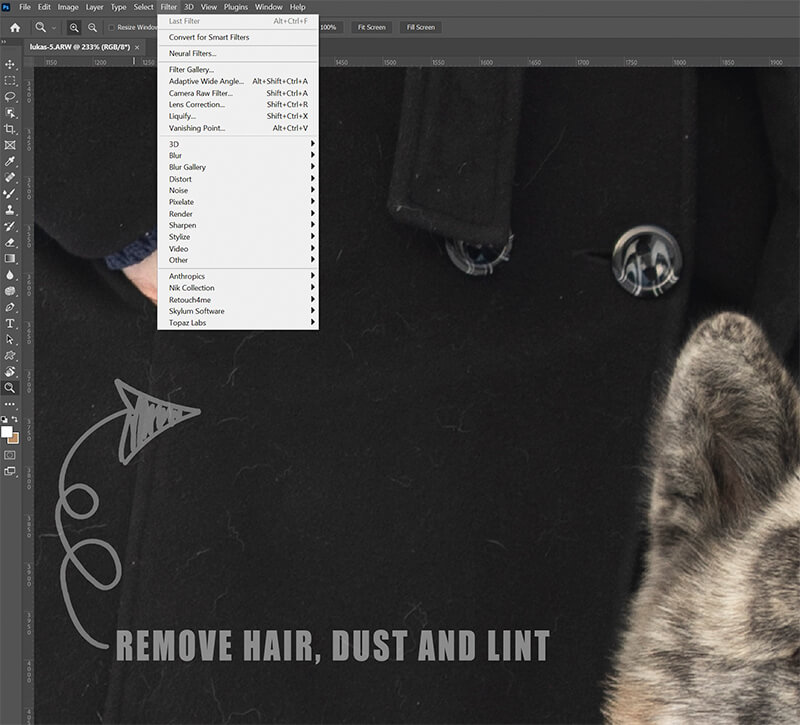
Photoshop Editing Clothes with Dust, Lint, Hairs
As portrait photographers, we often face the challenge of removing unwanted elements like dust, dirt, lint, or stray hairs from our clients’ wardrobes in Photoshop.…
Class Duration
7 min
Skill Level
Beginner
Inside This Class
As portrait photographers, we often face the challenge of removing unwanted elements like dust, dirt, lint, or stray hairs from our clients’ wardrobes in Photoshop.
Common Approaches:
- You might think, “Just use the clone stamp, spot healing, or patch tool,” and you’d be correct.
A Better Way:
- In this tutorial, I’ll introduce a more efficient and less time-consuming method to tackle these issues.
This is the first in a series of tutorials on editing clothing, so join me to learn this streamlined approach and elevate your post-processing workflow!
Flexible Access
Watch This Class Your Way
Choose the option that suits you best and start learning right away.
- Instant access to this class
- Lifetime access with individual purchase
- Upgrade to membership anytime
- Full class library included with membership
Membership Access
From
$29/month
Access the full class library and every new class added
Unlock All Classes
7 reviews for Photoshop Editing Clothes with Dust, Lint, Hairs
You must be logged in to post a review.
Angel Kuklo –
Excellent tip. Thanks.
Nina Hickey –
incedible!
Nina Hickey –
Awesome!
Melissa Jolivette –
I cannot wait to try this!!
Thanks for sharing!!
Clifton Yaney –
Great time saver, Daniel – thanks. This is a very efficient and clean way of fixing pesky spots, hairs, and other time-wasters!
Ben Grant –
Great tips
Chad Kotter –
Very helpful. I am in the process of learning Photoshop, and methods like this are very useful!