Includes actions + Raw File
- We’ll explore the location via googles maps so you can get multiple views of the location and understand how I enterpreted the light which is a continuation from the tutorial “A senior Portrait”
- I’ll show you natural light “tricks” to help you understand exactly how I analyse a scene for light and what I’m looking for!
- I take you through the settings of the camera, the lenses and options you have to work with in this scene + understanding my point of view to white balance which helps achieve great skin tones!
- Understand my composition and why I like opting for the “longer” lenses
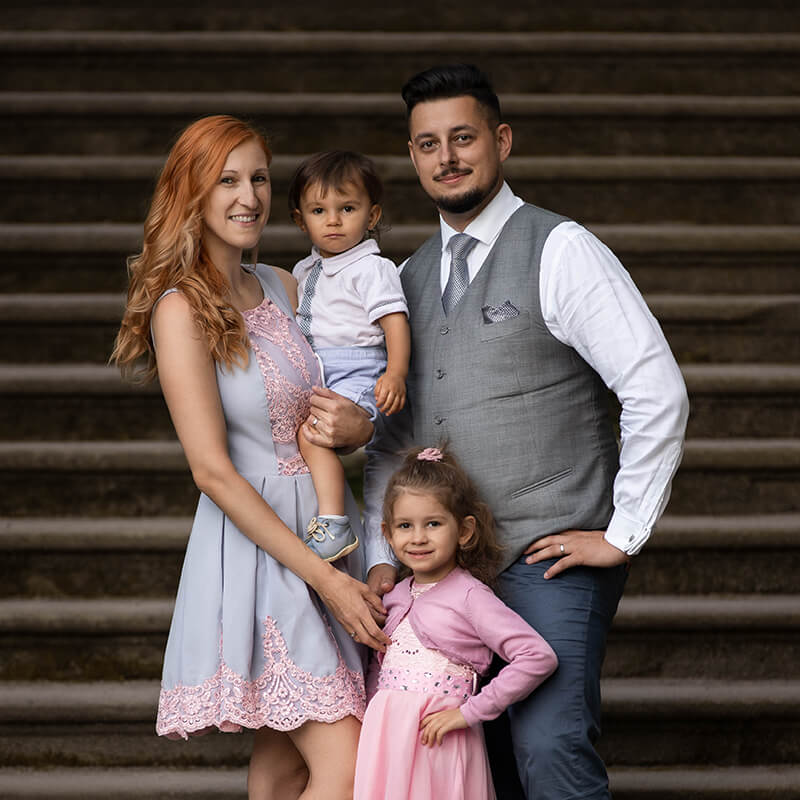
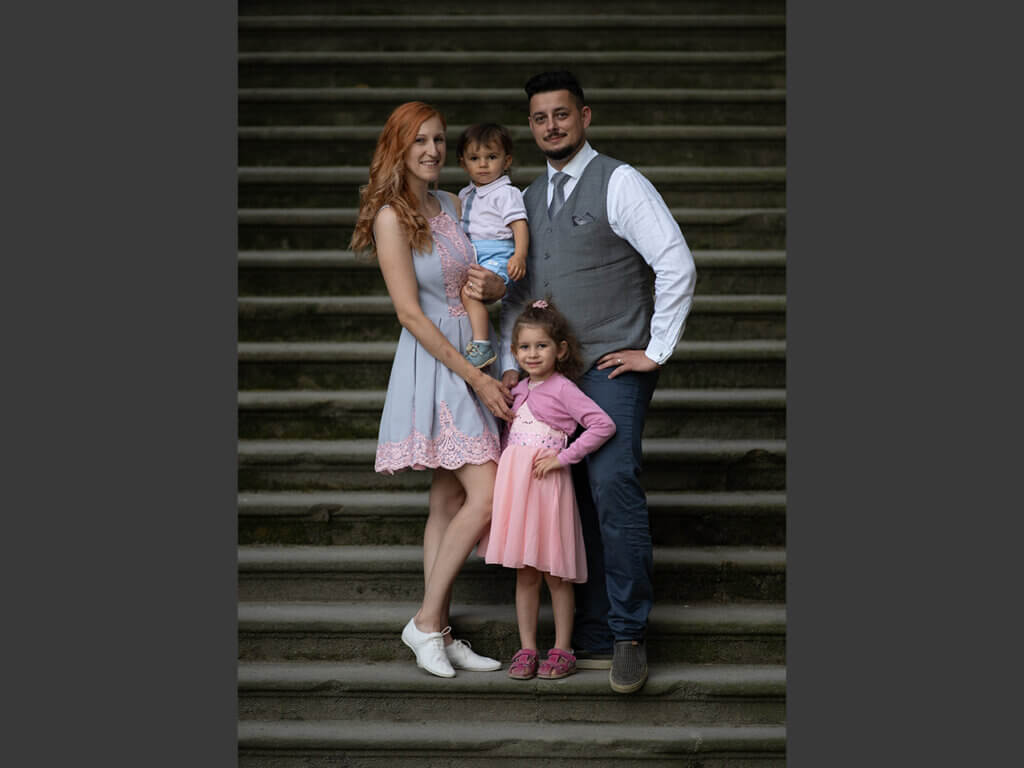
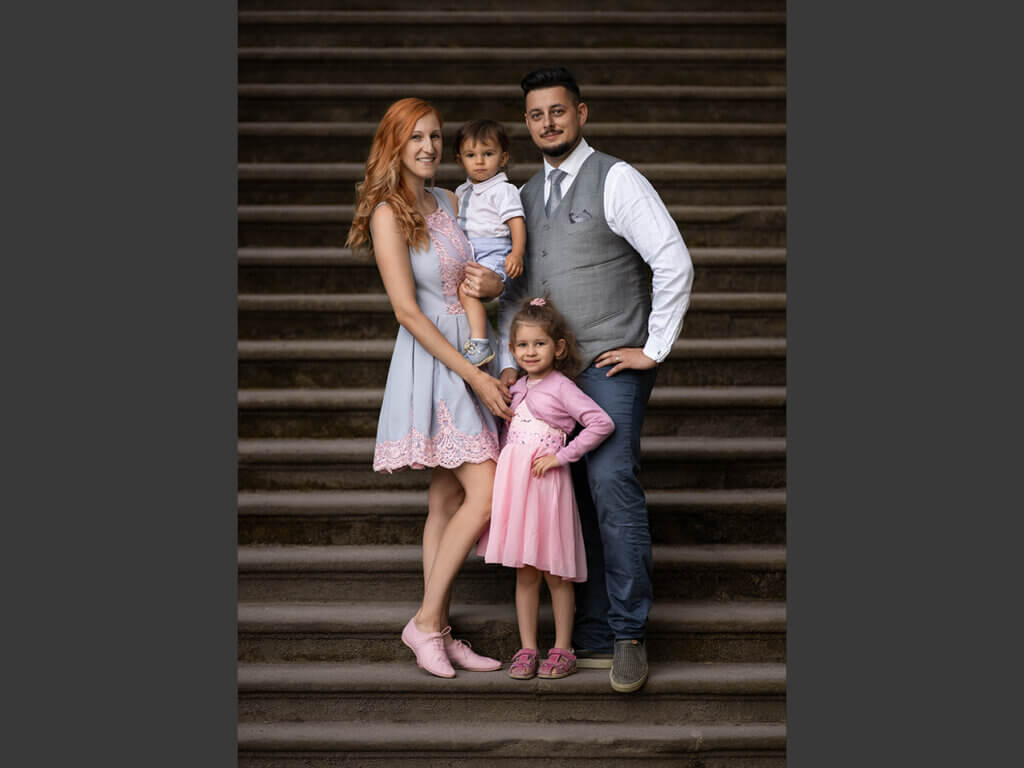
- Setting up a families pose to get them to automatically fall into the plane of focus so you can get everyone in focus (+ alternatives to getting all your subjects in focus!)
- Dive into the mindset of the color changes I make to this image
- Work with me through the post process and making super simple object selections, removing moire + much more!

Nina Hickey –
I love this location exploring, Daniel!! So Awesome!
Michael Concepcion –
You helped me determine how to find locations to take portraits. I would normally just look for shady areas but knowing it is better to find an area with a large source of light made much more sense. Great video!
Viktor Eszenyi –
Same time learning some basics and also advanced technics on camera settings, location, color matching, skin tones, retouch techniques, and much more. Great tutorial again!
Kendra Greelish –
Nothing beats Dan’s tutorials!
Ben Grant –
The first 10minutes of this with the google earth views , showing where to find good light were a lightbulb moment for me. Great course
Chad Kotter –
Very good example of how to use Daniel’s Photoshop Actions. Repeat watching of these tutorials is helping me learn a lot!