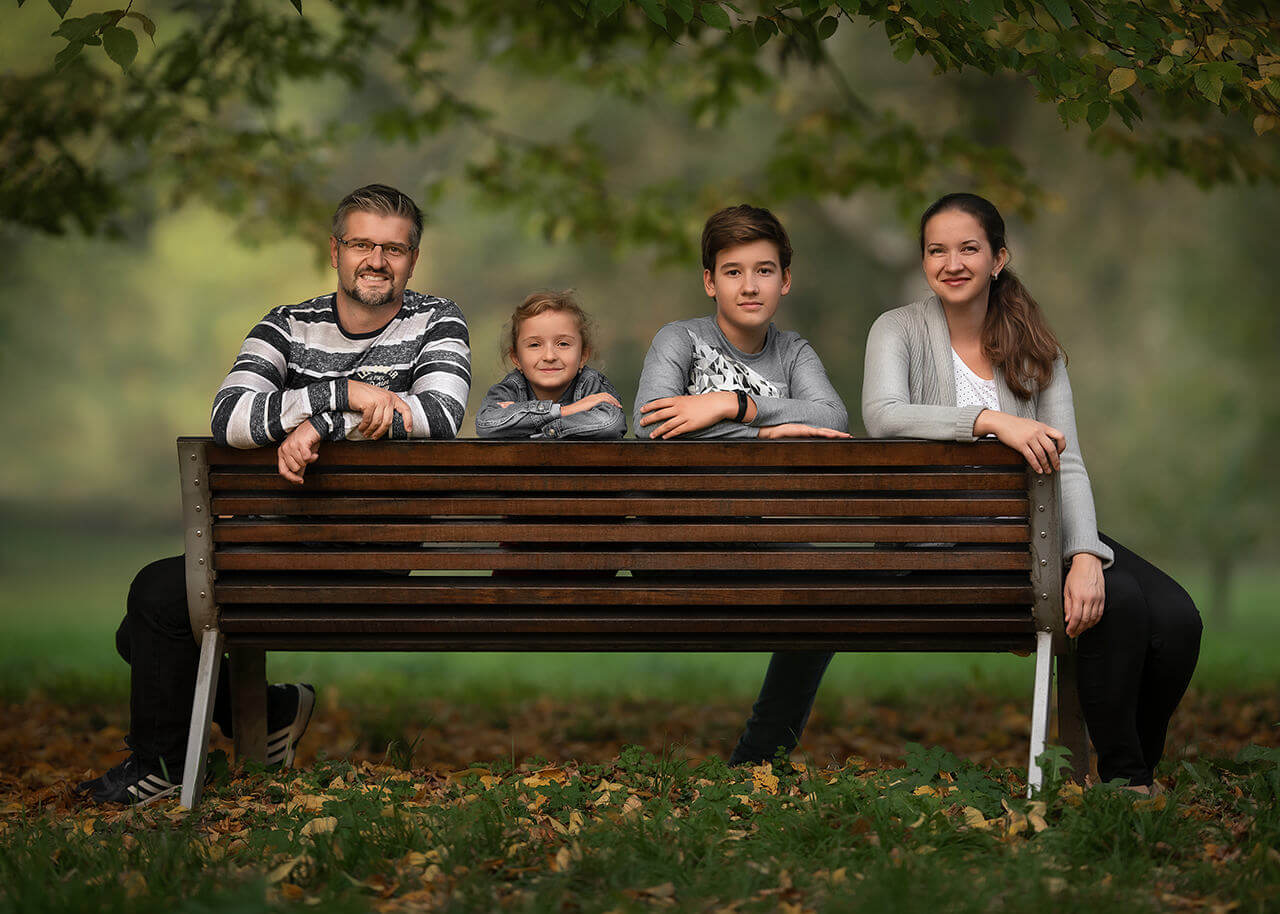
Raw Image File Included You’ll discover how I found the soft, directional natural light Let’s SOLVE keeping EVERYONE in focus whilst shooting wide-open apertures Basic…
You’ll discover how I found the soft, directional natural light
Let’s SOLVE keeping EVERYONE in focus whilst shooting wide-open apertures
Basic corrections in Lightroom to prepare the image for Photoshop
Get an understanding of my expectations when it comes to color coordination and what I do when colors don’t go to plan
How I identify aspects of the image that need to work on and improve breaking the image into object and color distractions
I’m going to teach you how I simplified the color palettes to create harmony and balance in the color composition
Using content-aware healing brushes and clone tools
Reshaping subjects using the Liquify tools. Did you know you can transform a “tense” pose into a relaxed one with the Liquify tool? You’ll know how to after this
Change color hues and luminance to simplify colors
Skin tones corrections
How I use frequency separation
Flexible Access
Watch This Class Your Way
Choose the option that suits you best and start learning right away.
Such a comprehensive and instructional tutorial! Very helpful to see each and every step along the way. Also, watching you examine the photo for distractions is really helpful as well. Creating a uniform color palette really does make the image more pleasing to the eye. Very helpful and thorough!
Rated 5 out of 5
Fayez K –
very useful information. thank you Daniel 🙂
Rated 5 out of 5
Elizabeth MacArthur (verified owner)–
I wish I had found Daniel’s site a lot sooner. THANK-YOU so much!
Rated 5 out of 5
sandy richardson (verified owner)–
This is the first Tutorial I purchased during the Covid-19 down time. I realized how much I did NOT know. Learned several things and really enjoyed the edit!
Gold Star Daniel !
Rated 5 out of 5
Michael Sabell (verified owner)–
Another fantastic tutorial! Thanks Daniel! I was also excited to see my name near the start, in your screen grab on Facebook (a notification popped up when I reacted to one of your posts) haha
Rated 5 out of 5
Andersen Anak Lani (verified owner)–
Very nice. My first tutorial from this website
Rated 5 out of 5
Danielle Griffith (verified owner)–
Wow, I was blown away. I just subscribed! I’m excited to learn more from you!
Rated 5 out of 5
Arun Sharma –
This is a lot of work on a single image – but thats how a magic will happen. Thank you for such a detailed explanation.
Rated 5 out of 5
Ventis Jansons –
Fantastic ! lots of new information !!!
Rated 5 out of 5
Mark Kuper –
Thanks Again for the great explanation!
Rated 5 out of 5
Lisa Lizarraga –
I loved this edit and learning skills to try on my next session, thank you


Mark Petrie –
Such a comprehensive and instructional tutorial! Very helpful to see each and every step along the way. Also, watching you examine the photo for distractions is really helpful as well. Creating a uniform color palette really does make the image more pleasing to the eye. Very helpful and thorough!
Fayez K –
very useful information. thank you Daniel 🙂
Elizabeth MacArthur (verified owner) –
I wish I had found Daniel’s site a lot sooner. THANK-YOU so much!
sandy richardson (verified owner) –
This is the first Tutorial I purchased during the Covid-19 down time. I realized how much I did NOT know. Learned several things and really enjoyed the edit!
Gold Star Daniel !
Michael Sabell (verified owner) –
Another fantastic tutorial! Thanks Daniel! I was also excited to see my name near the start, in your screen grab on Facebook (a notification popped up when I reacted to one of your posts) haha
Andersen Anak Lani (verified owner) –
Very nice. My first tutorial from this website
Danielle Griffith (verified owner) –
Wow, I was blown away. I just subscribed! I’m excited to learn more from you!
Arun Sharma –
This is a lot of work on a single image – but thats how a magic will happen. Thank you for such a detailed explanation.
Ventis Jansons –
Fantastic ! lots of new information !!!
Mark Kuper –
Thanks Again for the great explanation!
Lisa Lizarraga –
I loved this edit and learning skills to try on my next session, thank you